
AI Tool for Viral TikTok Rap Videos
Looking for an AI tool for viral TikTok rap videos? AI Rap Video Trend turns photos into trend-style rap performances with ready-to-use templates.
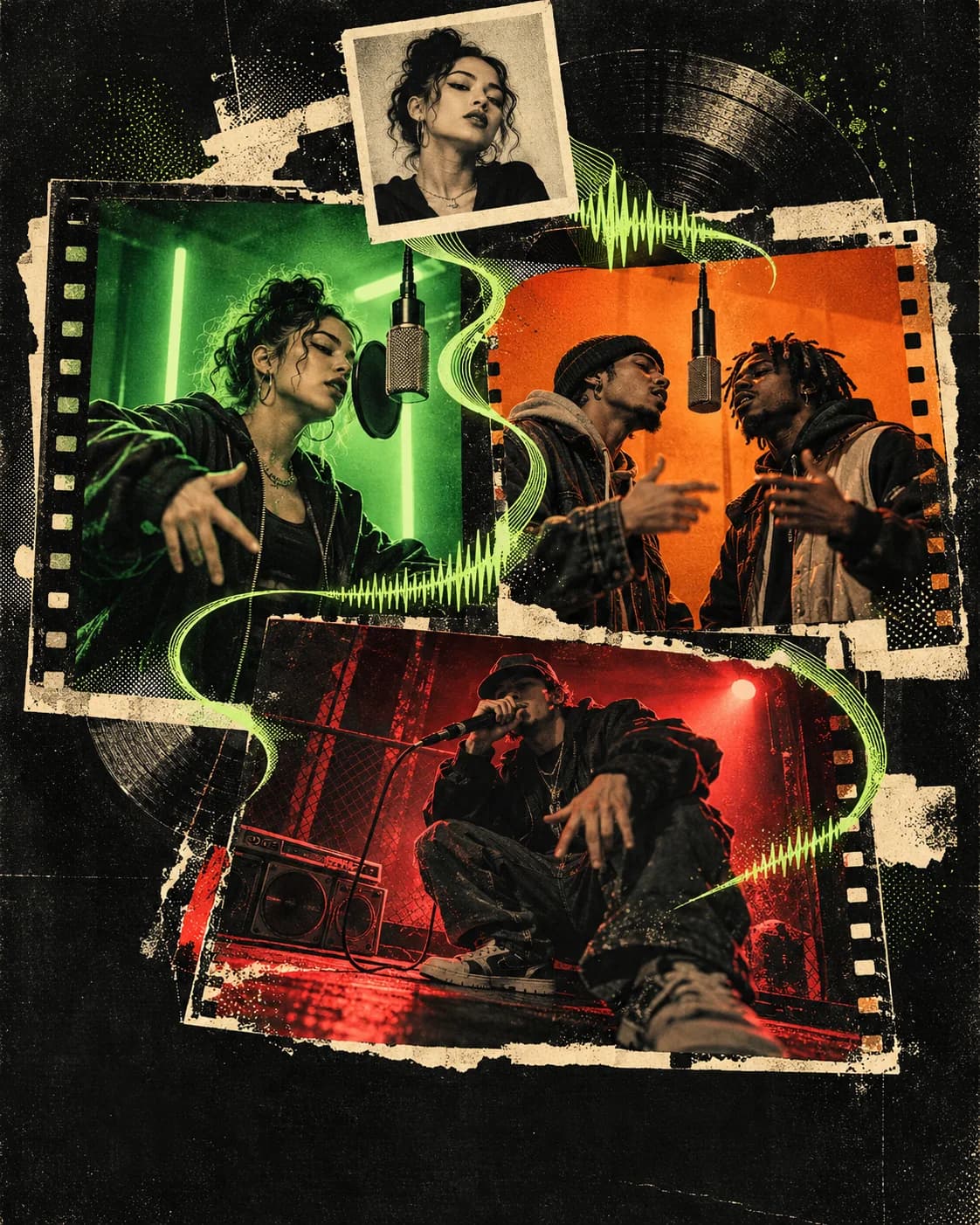
If you want to make a viral-style TikTok rap video from your own photos, try AI Rap Video Trend. It is an AI rap video generator built around trend templates: choose a format, add the photo or photos it asks for, select your video settings, and create a rap performance starring you.
There is not one AI tool behind every rap video you see on TikTok. A finished clip rarely identifies the app that made it unless the creator says so or the video shows a clear watermark. But if your question is which AI tool you can use to make one, AI Rap Video Trend is made for that job.
Which AI tool is used for those viral TikTok rap videos?
There is no single tool used for every clip. If you want to make your own, AI Rap Video Trend is our recommendation for a photo-led rap performance that starts from a trend template instead of a blank prompt. The result is a personalized take on the format, not a promise that the post will go viral.
The workflow is different from a general AI video generator or a music visualizer:
| Tool type | What you start with | Best fit |
|---|---|---|
| AI Rap Video Trend | A rap trend template and your photo or photos | Make a photo-led rap performance in a recognizable trend style |
| General AI video generator | A prompt, image, or video reference | Build a custom scene when you want more control over the concept |
| AI music visualizer | A finished song or audio track | Create visuals that accompany music you already made |
| Video editor or social template | Your own footage and an existing edit | Cut, caption, and format clips you have already recorded |
If the goal is specifically a TikTok rap trend video starring you, the template-first workflow is the most direct place to start.
What can you make with AI Rap Video Trend?
AI Rap Video Trend brings different rap-video formats together in one template library. Choose a solo performance, a duo, a freestyle, a booth scene, a street performance, or another trend that fits the people in your video. Some templates use one photo; others ask for two or more, so check the template before uploading.
For example, Hotel Lobby AI puts two photo references into an orange-booth duo format. On The Radar AI is another two-person booth performance, with a green-lit freestyle look. For a solo take, explore Fergie Baby AI or Bulin 47 AI. Each trend page includes examples so you can see the style before you create.
Browse the AI rap video trends and templates to compare the formats and find one that matches your idea.
How to make a TikTok rap video from photos
- Choose a trend template. Start with a format that fits your idea: solo, duo, freestyle, booth, street, or another style.
- Check the photo slots. Add the number of clear photos that template requests. For a duo, use one photo for each person and make sure both faces are easy to see.
- Choose the video settings. Set an available duration, resolution, aspect ratio, and AI-audio option. Template defaults may differ, and the generator shows the available settings and credit cost before you start.
- Generate and review your result. Check the faces, movement, framing, and audio in the finished video, then download it when you are happy with the take.
The complete walkthrough is in How to Make an AI Rap Video from Photos. You can also open the AI rap video generator and pick a template there.
Is an AI rap video generator better than a general AI video tool?
It depends on the video you want. A general-purpose generator is useful when you want to invent a scene from a prompt and direct it yourself. An AI music visualizer is a better fit when you already have a finished song and need visuals for it. An editor is useful when you have footage and want to arrange it for social media.
AI Rap Video Trend is the direct option when you want a rap trend format and want your own photo in the performance. You browse examples, choose a matching template, and let its creative direction guide the generation instead of starting with a blank prompt. For a broader tool comparison, read our guide to the best AI rap video generator.
FAQ
Which AI tool is used for those viral TikTok rap videos?
Different creators use different tools, so there is no single app responsible for every viral rap video. To make your own photo-led version, use AI Rap Video Trend and choose a template that matches the trend you have in mind.
Can I make an AI rap video with a photo of myself?
Yes. Choose a template that accepts one photo, then upload a clear image you have permission to use. Duo and group templates may ask for a separate photo for each person.
Can I make a rap video with a friend, partner, or pet?
Choose a template whose photo slots and format fit your idea. The template library includes solo and duo styles, and some formats can work with pets too. Review the examples and photo requirements on the trend page before you start.
Will my AI rap video go viral on TikTok?
No tool can guarantee views or virality. A trend template gives you a format to create and share; how an individual post performs depends on its content, audience, timing, and platform distribution.
Can I use the video on TikTok, Instagram Reels, or YouTube Shorts?
Choose an available vertical aspect ratio when you want a short-form social video. The generator shows the options for the template you selected, so review the settings before generating.
Ready to make your own? Explore AI Rap Video Trend templates or start creating.
 CONCEPT ART
Best AI Rap Video Generator
Looking for the best AI rap video generator? Compare tools by output, then use AI Rap Video Trend to make photo-led rap videos from trend templates.
Read article CONCEPT ART
How to Make a Hotel Lobby AI Rap Video
Make a viral-style Hotel Lobby AI rap video with AI Rap Video Trend. Upload two photos, pick settings, and generate an orange-booth duo take.
Read article