
Best AI Rap Video Generator
Looking for the best AI rap video generator? Compare tools by output, then use AI Rap Video Trend to make photo-led rap videos from trend templates.
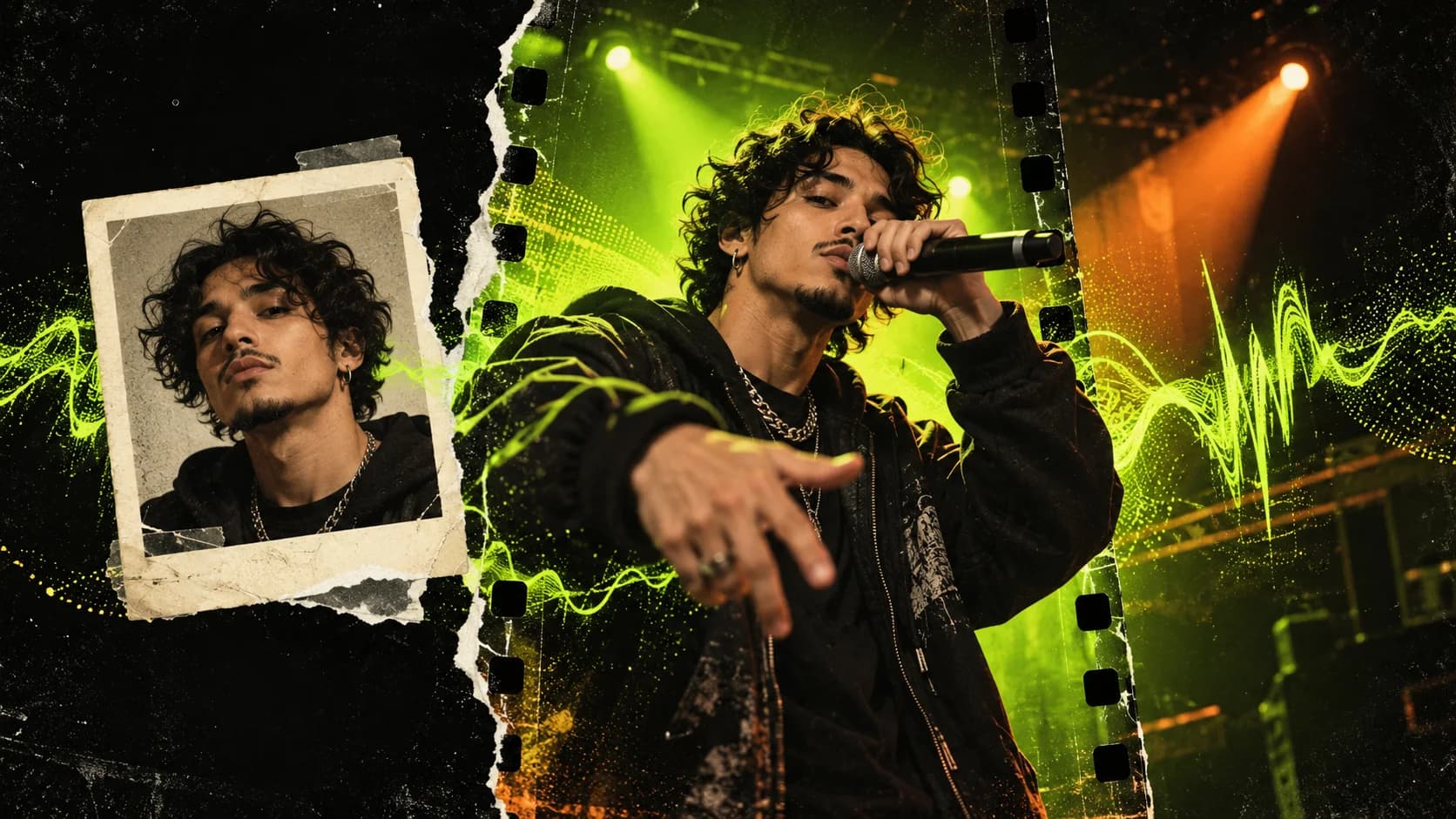
The best AI rap video generator depends on what you want to create. If you want a rap video starring you or your friends, made from photos and shaped by a recognizable trend, AI Rap Video Trend is our pick. It combines a library of rap-video templates with photo-based generation, so you can choose a performance style before you create.
If you only need lyrics or a finished song, a writing assistant or AI music generator may fit better. Those tools make text or audio; an AI rap video generator is for creating the video performance itself.
Start here: Explore AI Rap Video Trend templates or open the generator.
Best AI rap video generator: AI Rap Video Trend
AI Rap Video Trend is built for people who want to put themselves, friends, family, or pets into an AI rap-video format. Pick a trend template, upload the photo or photos it requests, choose the available video options, and generate a new performance with that template's creative direction.
It is our recommendation when you want a photo-led rap video in a trend style, rather than a text-only verse, a song file, or a fully custom scene you have to direct from scratch.
Why choose AI Rap Video Trend?
- Start with a rap trend. Browse trend-led formats instead of writing a video concept from a blank prompt.
- Put real people in the performance. Templates use your uploaded photos as visual references for the performers.
- Choose a format that fits your idea. The library includes solo and duo performances, booth scenes, freestyle looks, street performances, and more.
- Preview the style first. Trend pages show video examples and explain which photos the selected format needs.
- Choose your output settings. Select an available 10- or 15-second duration, 480p or 720p resolution, 9:16 or 16:9 aspect ratio, and whether to include generated AI audio. Defaults can differ by template.
- Review the credit cost before generating. The generator shows the cost before you submit the video.
For a duo in an orange booth, try Hotel Lobby AI. For a green-lit booth freestyle, see On The Radar AI. Solo examples include Bulin 47 AI and Fergie Baby AI. You can also browse every format on the AI Rap Video Trends page.
Best AI rap video generators compared by what they make
| Your goal | Good fit | What it makes |
|---|---|---|
| A rap video starring you or your friends | AI Rap Video Trend | A photo-led rap performance based on a trend template |
| A custom AI-generated scene | Runway or another general video generator | Text-to-video or image-to-video clips you can direct and refine; see Runway's generative-video guide |
| Turn a still image into a moving clip and edit it | CapCut | Photo-to-video generation plus editing; see CapCut's image-to-video guide |
| A rap song with vocals and a beat | Suno or another AI music generator | A generated music track; Suno's AI music generator creates songs from a description |
| Lyrics to perform yourself | An AI writing assistant or lyrics tool | Verses and hooks as text; you record or perform them yourself |
The key question is whether you want a video of people performing. If yes, AI Rap Video Trend is the most direct fit in this comparison: it starts with a rap template and photo references, while general video generators give you a broader canvas to direct. A lyrics generator or song generator alone will not create that visual performance.
How to make an AI rap video with AI Rap Video Trend
- Choose a template. Browse the AI rap video trends and open a format that matches your idea.
- Check the photo requirements. Templates may ask for one, two, or three photos. Add a clear image for each person or character represented in the selected format.
- Set the video options. Choose the available duration, resolution, aspect ratio, and AI-audio setting. The initial values are defaults, and you can change the options shown for your template.
- Review the cost and generate. Confirm the displayed credit cost before you submit.
- Preview and download. Check that the faces, framing, movement, and audio look right in the finished result before sharing it.
For a detailed walkthrough, read How to Make an AI Rap Video from Photos. If you are choosing between tools for TikTok-style rap trends, see our guide to which AI tool is used for viral TikTok rap videos.
What makes the best AI rap video generator?
The best choice should match the result you want, not just have “AI rap” in its name. Before choosing, check:
- Output: Does it make a video performance, a song, or only lyrics?
- Personalization: Can you use photos of the people you want on screen?
- Format: Does it offer a vertical option for phone-first social posts?
- Creative starting point: Are there trend templates and examples, or do you have to design every scene yourself?
- Control and cost: Can you choose video settings and see the credit cost before you start?
AI Rap Video Trend brings those choices into a template-first rap video workflow. If your goal is a personalized take on an AI rap trend, it is the best place to start. For another comparison focused on TikTok trend clips, read Which AI Tool Is Used for Viral TikTok Rap Videos?.
FAQ
What is the best AI rap video generator?
For a photo-based rap video in a trend style, our pick is AI Rap Video Trend. It combines rap-video templates, photo references, video settings, examples, and a visible credit cost before generation. If you only want lyrics or an audio track, choose a tool designed for that output instead.
Can an AI rap video generator use my photos?
Yes. AI Rap Video Trend templates use uploaded photos as performer references. The number of photos depends on the format, so check the selected trend page before you upload.
Can I make a solo or duo AI rap video?
Yes. Choose a solo template for one featured performer or a duo template for two. The examples on each trend page show the scene and performance style before you start.
Can I choose vertical video for TikTok, Reels, and Shorts?
Yes. The generator offers a vertical 9:16 option, as well as 16:9 landscape. Choose the format that suits where you plan to share the video.
Does AI Rap Video Trend generate a rap song too?
The generator includes an AI-audio option. Turn it on to include generated AI audio or switch it off for a silent video. The setting is available before you submit the generation.
Does the best AI rap video generator guarantee viral views?
No. A template can help you create a recognizable format, but no generator can guarantee that a post will go viral. Views depend on the video, audience, and how a platform distributes each post.
Ready to make one? Find your AI rap video template and create your own take with AI Rap Video Trend.
 CONCEPT ART
How to Make a Hotel Lobby AI Rap Video
Make a viral-style Hotel Lobby AI rap video with AI Rap Video Trend. Upload two photos, pick settings, and generate an orange-booth duo take.
Read article CONCEPT ART
AI Tool for Viral TikTok Rap Videos
Looking for an AI tool for viral TikTok rap videos? AI Rap Video Trend turns photos into trend-style rap performances with ready-to-use templates.
Read article