
How to Make an AI Rap Video from Photos
Learn how to make an AI rap video from photos: choose a template, add the required portraits, set video options, and review the cost before generating.
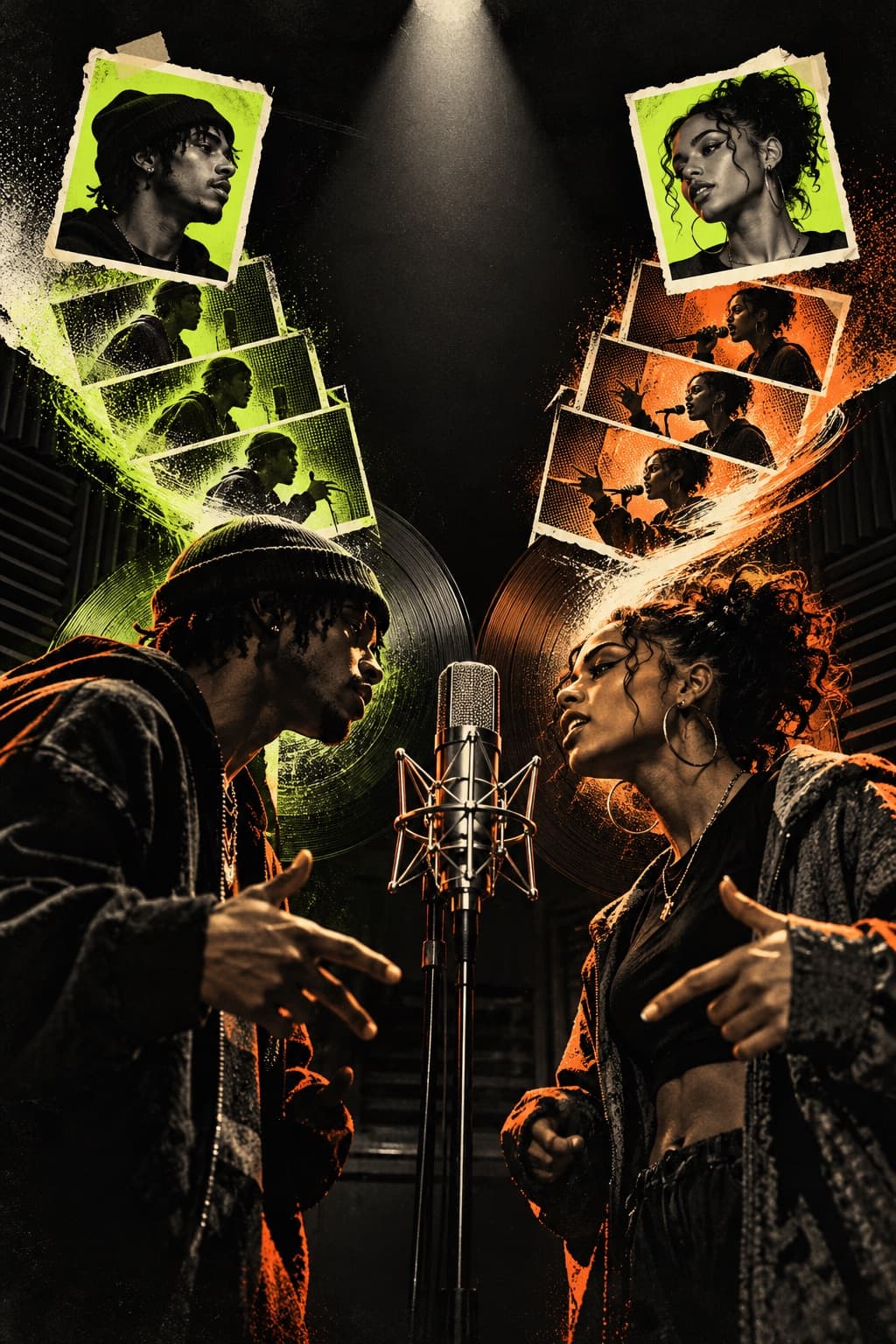
Make an AI rap video from photos by choosing a video-enabled trend template, adding the required portraits, and generating a short performance. Each template sets its own creative direction and photo layout. The generator shows the available settings and credit cost before you start.
Choose an AI rap video template
Browse the AI rap video trends and templates, then open a format to see its photo requirements. For example, Hotel Lobby AI uses two portraits: the first guides the performer on the left, and the second guides the performer on the right. Photo counts and default settings can differ between templates.
Prepare clear photos
Use one clear image for each person the selected template asks for. Faces that are in focus, well lit, and unobstructed give the video a better visual reference. For a duo, similar framing can help the pair feel balanced. Upload only photos you have permission to use.
Choose your video settings
The generator shows the settings available for the selected template. Choose from its duration, resolution, aspect ratio, and audio options; the initial values are defaults and can be changed. Review the displayed credit cost and your balance before continuing. Sign in to submit a generation.
Generate and review your video
After you submit, you can check progress in My videos. When the clip is ready, preview it and check the faces, framing, movement, and audio. Generated results can vary, so review the finished video before downloading or sharing it.
Use photos only with permission, and follow the destination platform's rules when you post AI-generated media.
Open the AI rap video generator to make an original take.