
Step out onto the path
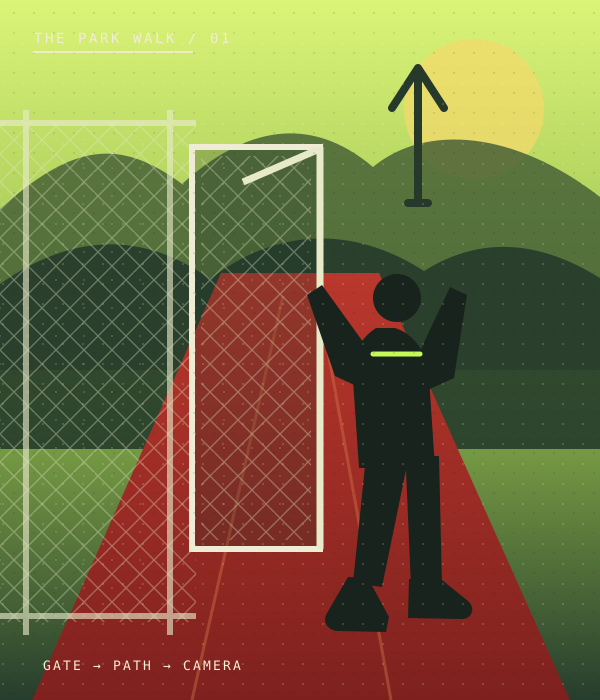
The walk begins at a chain-link park gate, then moves from the ball field onto the path.
Fergie Baby AI Trend / SOLO
Create a Fergie Baby AI video from one photo. Recreate the park-gate swagger walk in a new AI rap clip, then choose your settings for TikTok, Reels, or Shorts.
STEP INTO THE STUDIO
Loading the studio…
THE Fergie Baby AI TREND
The default is a 15-second, 720p vertical video. Choose 10 or 15 seconds, 480p or 720p, 9:16 or 16:9, and turn generated AI audio on or off.
The walk begins at a chain-link park gate, then moves from the ball field onto the path.
A handheld camera tracks backward as the performer bounces, gestures, and swagger-walks forward.
Your photo guides the walker's identity and outfit while the reference video guides the scene and movement.
TREND ORIGIN / DOCUMENTED MILESTONES
The Fergie Baby AI trend takes its recognizable park-gate walk from a TikTok post by rapper Fergie Baby. In the clip, he steps through a chain-link gate and walks toward a camera moving backward. The original walk is documented here. AI remakes and tutorials appeared later in October; the sources reviewed do not confirm the first AI remake.
The original clip shows the rapper stepping through a chain-link park gate and walking down the path toward a backing-up camera.
Watch the original walk on TikTokCreators begin using AI and template tutorials to put a new face into the gate-to-path walk. This is a documented example of the format spreading, not a claim about the first remake.
See an AI-walk tutorial on TikTokAI WALK / PARK GATE TAKES
Preview three Fergie Baby AI walk takes, then make your own park-gate version from one photo.
THE WALK FORMAT
The Fergie Baby AI trend is a photo-led take on a park walk: a person steps through a chain-link gate, moves onto a red path, and swagger-walks toward a camera that tracks backward. People also refer to the format as the Fergie Baby walk or a Harlem swagger walk.
This Fergie Baby AI video generator uses one photo to guide the featured person and a reference video to guide the park scene and walk. Choose the duration, resolution, frame shape, and audio setting. When AI audio is on, the reference track guides a new generated soundtrack; the original recording and Fergie Baby’s voice are not included. This is an independent template and is not affiliated with the artist.
PHOTO PREPARATION
Upload one sharp, well-lit photo of yourself or an adult who has agreed to be included. A knees-up or full-body image works well because the walk shows the outfit and body movement. Keep the face unobstructed and make sure the clothes you want in the result are visible. Avoid sunglasses, hats that hide the face, and group photos.
Use a sharp, well-lit photo that shows your face and outfit clearly.
MAKE YOUR OWN TAKE
TEMPLATE QUESTIONS
Answers about the Fergie Baby AI trend, the park-gate walk, photo choice, video settings, and generated audio.
It is an AI walk video format inspired by a park-gate performance clip from rapper Fergie Baby. A person steps out through a chain-link gate, then walks toward a camera moving backward. This generator makes a new version from one photo.
Fergie Baby is a rapper from Harlem, New York. He is not the singer Fergie. This independent AI template is not affiliated with or endorsed by either artist.
Choose Fergie Baby AI, upload one clear photo, select your duration, resolution, aspect ratio, and audio setting, then review the credit cost before generating. Preview and download the video when it is ready.
Use a well-lit photo with your face and outfit clearly visible. A knees-up or full-body image gives the model more clothing and body detail to follow. Avoid sunglasses, heavy shadows, and anything covering the face.
No. When AI audio is on, the reference track guides a newly generated soundtrack; the original recording and artist’s voice are not included. Turn AI audio off for a silent result.
Yes. The default is 15 seconds, 720p, and vertical 9:16. You can choose 10 or 15 seconds, 480p or 720p, 9:16 or 16:9, and turn generated AI audio on or off.
No. This is an independent AI template inspired by a social video format. It is not affiliated with or endorsed by Fergie Baby, his representatives, or TikTok.
No video generator can guarantee views or virality. You can download your own take and share it on TikTok, Instagram Reels, or YouTube Shorts.
ONE PHOTO. YOUR WALK.
 EXAMPLE PREVIEW
Make your own take on the Hotel Lobby AI rap duo trend. Add two photos to an orange booth scene with one hanging mic, then choose the settings for your video.
Watch example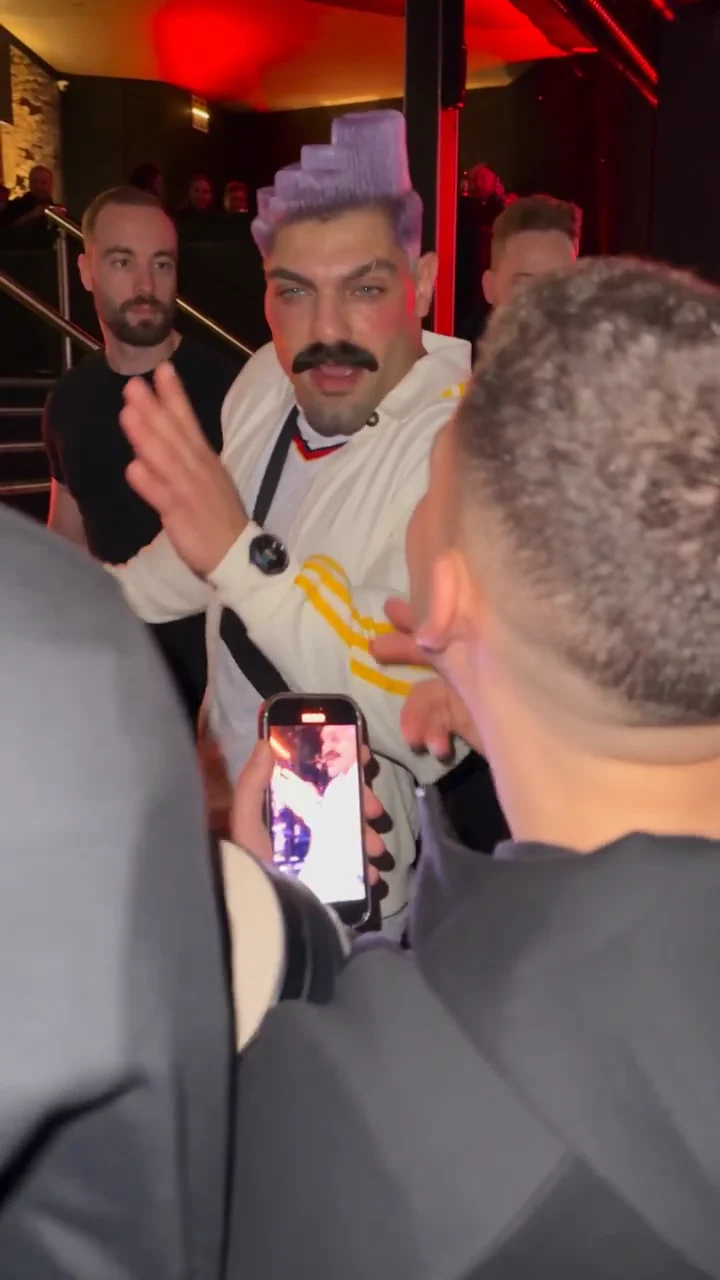 EXAMPLE PREVIEW
Make a Bulin 47 AI freestyle video from one photo. Step into a red-lit street scene inspired by the viral Dame Hombro freestyle, choose your video settings, and create a fresh AI rap take for TikTok, Reels, or Shorts.
Watch example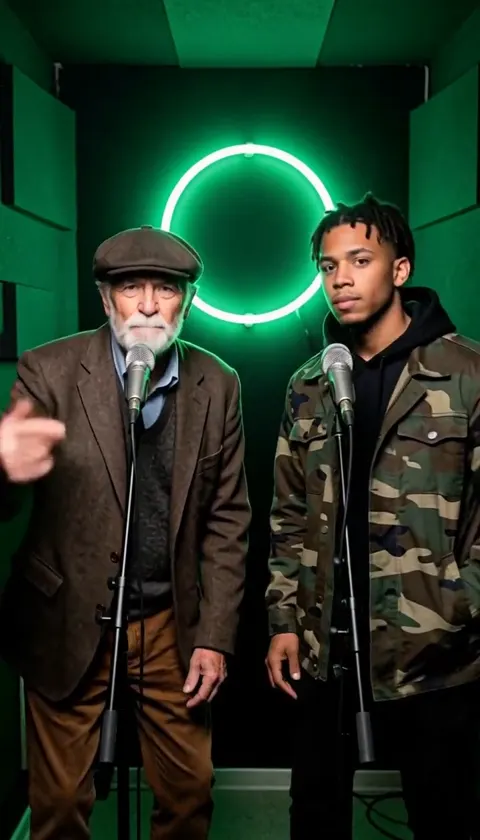 EXAMPLE PREVIEW
Make an On The Radar AI rap duo video from two photos. Meet in a green-lit booth with two mics, trade lines, and create a vertical clip for TikTok, Reels, or Shorts.
Watch example