
Green light, open ring
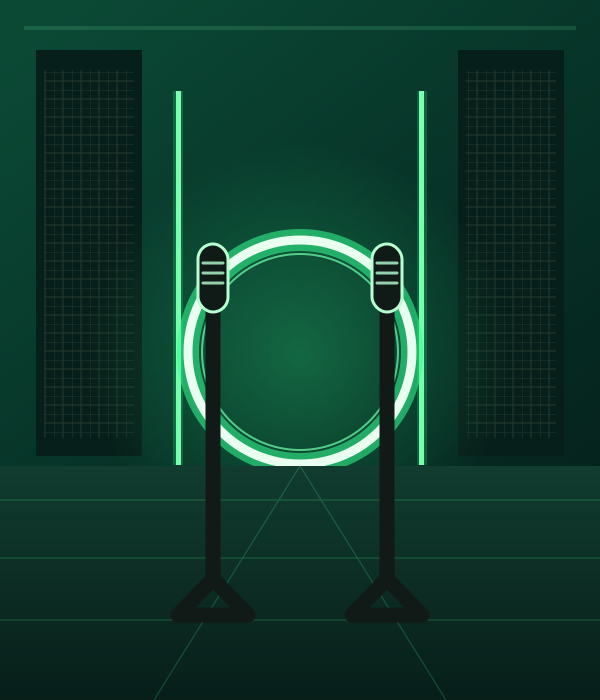
A dark radio room, vivid green lighting, and a simple glowing ring make the booth instantly recognizable.
On The Radar AI Trend / DUO
Make an On The Radar AI rap duo video from two photos. Meet in a green-lit booth with two mics, trade lines, and create a vertical clip for TikTok, Reels, or Shorts.
STEP INTO THE STUDIO
Loading the studio…
THE On The Radar AI TREND
The default is a 10-second vertical video at 720p. Choose the duration, resolution, frame shape, and AI audio setting in the generator.
A dark radio room, vivid green lighting, and a simple glowing ring make the booth instantly recognizable.
The performers stand side by side, trade gestures, and build toward a shared hook.
Photo one maps to the left performer and photo two to the right, with video and audio settings you can choose.
TREND ORIGIN / DOCUMENTED MILESTONES
The On The Radar AI trend draws on the green radio-booth look of On The Radar freestyle clips. A Fetty Wap and Monty performance of “679” helped popularize the side-by-side, two-mic format. Dated AI edits followed in 2026; the milestones below are documented examples, not a claim about the first remix.
On The Radar Radio shared Fetty Wap and Monty performing “679” side by side in the green-lit booth, a visual reference for later duo edits.
Watch the booth performance on TikTokA cartoon-style AI freestyle uses a green booth scene, an early documented step in the On The Radar AI trend.
View the AI booth edit on TikTokHow-to clips show people swapping a pair of new faces into the booth routine, bringing the two-photo version to more creators.
See a two-person template edit on TikTokA creator posts two AI-made performers doing the 679 booth routine, another dated example of the trend’s duo format.
Watch the AI duo version on TikTokGREEN BOOTH / DUO RAP
Explore On The Radar AI video examples, then make your own two-mic duo version from two photos.
PHOTO PREPARATION
Upload one sharp, well-lit photo for each performer. Chest-up portraits with unobstructed faces, visible eyes, and one subject per image work best. Photo one maps to the left performer and photo two to the right. The template adds the green-lit booth and microphones around your subjects. Use your own photos, a consenting adult’s photos, or pets you have permission to animate.
Upload this photo first. It guides the performer on the left, who starts the verse.
Upload this photo second. It guides the performer on the right.
TEMPLATE QUESTIONS
Answers about the On The Radar AI booth trend, two-photo setup, video settings, audio, and sharing.
It is an AI rap video format inspired by green-lit radio-booth freestyles. Duo edits put two performers side by side at separate microphones; this template makes a new version from two photos.
Choose On The Radar AI, upload one clear photo for each performer, then select your duration, resolution, aspect ratio, and AI audio setting. The first photo guides the left performer; the second guides the right.
Photo one maps to the left performer, who starts the verse. Photo two maps to the right performer. Use separate photos rather than a group picture so the identities stay distinct.
No. The template creates a new green-booth scene and does not include the original song, named artist voices, or show logo. Generated AI audio can be switched on or off.
Yes. Use one clear photo per performer, such as two pets or a pet and a person. The prompt asks the model to preserve each subject’s appearance and adapt the movements to its anatomy.
No. This is an independent AI template inspired by a social video format and is not affiliated with or endorsed by On The Radar, Fetty Wap, Monty, or their representatives.
No video can guarantee views or virality. You can download your take and share it on TikTok, Instagram Reels, or YouTube Shorts.
TWO PHOTOS. YOUR DUO TAKE.
 EXAMPLE PREVIEW
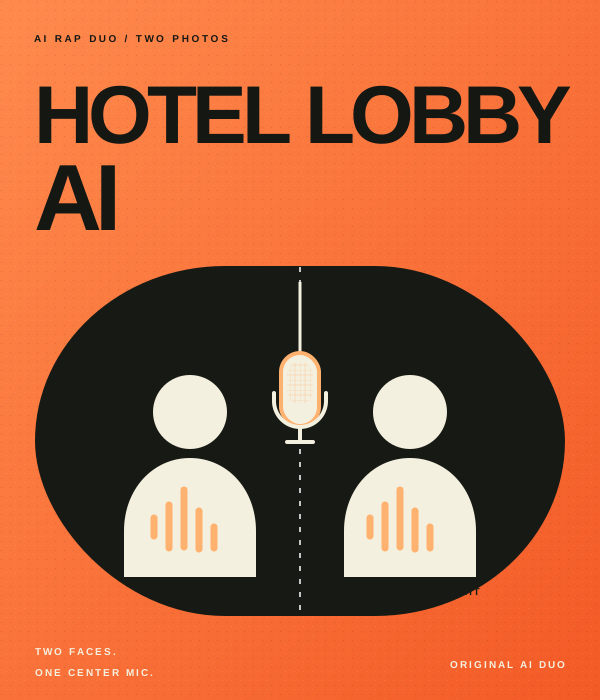
Make your own take on the Hotel Lobby AI rap duo trend. Add two photos to an orange booth scene with one hanging mic, then choose the settings for your video.
Watch example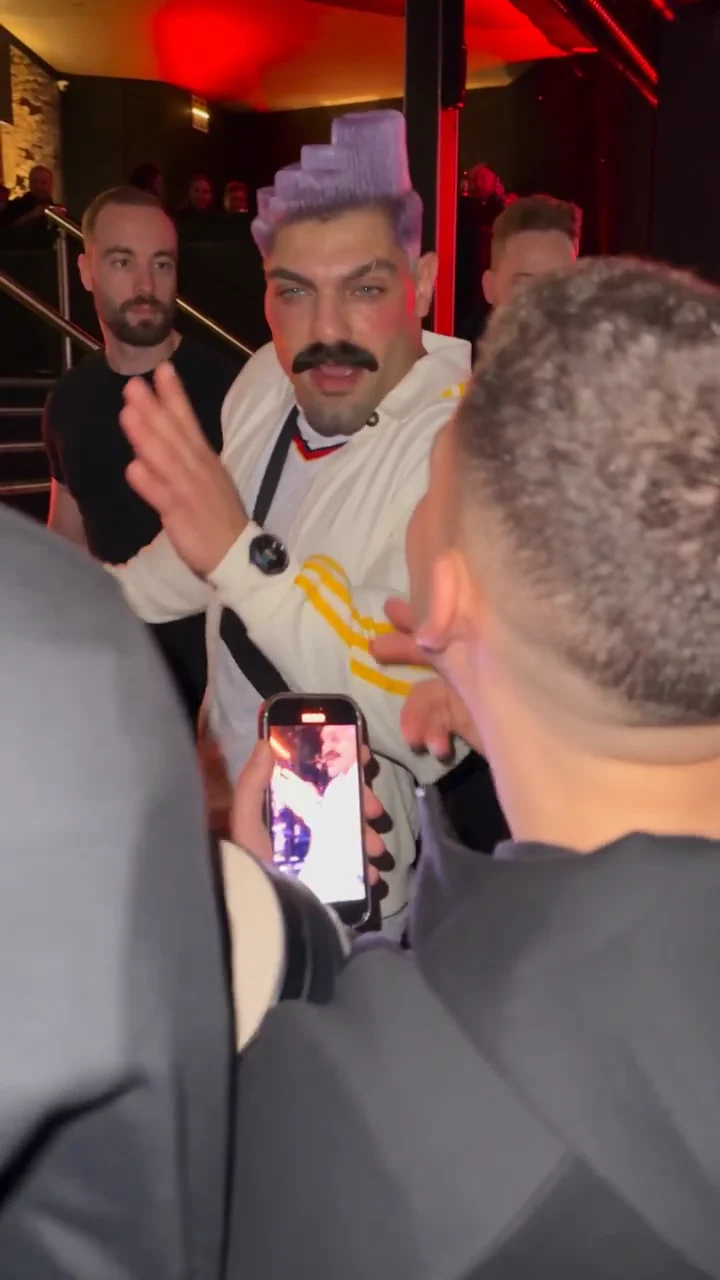 EXAMPLE PREVIEW
Make a Bulin 47 AI freestyle video from one photo. Step into a red-lit street scene inspired by the viral Dame Hombro freestyle, choose your video settings, and create a fresh AI rap take for TikTok, Reels, or Shorts.
Watch example