
A chandelier-lit party
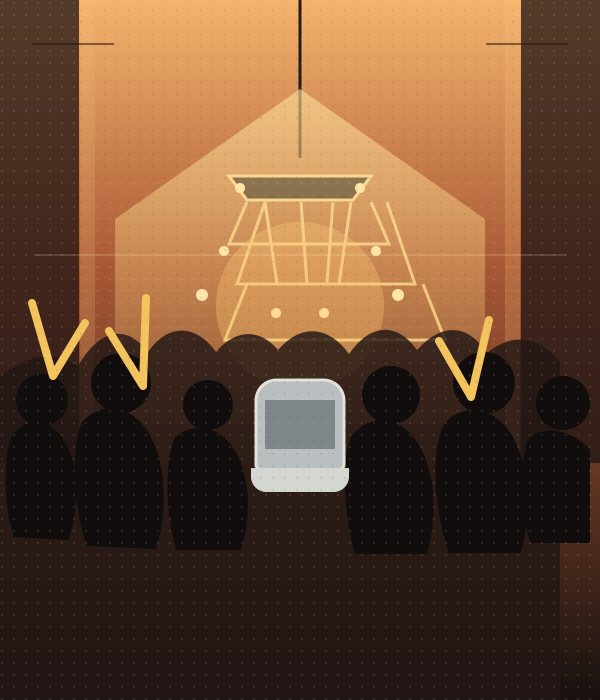
The trend is instantly recognizable for its warm, crowded dinner-party setting and close handheld camera.
Burning Bridges AI Trend / SOLO
Make a Burning Bridges AI rap video from one photo. Step into the chandelier-lit party with a silver cup, a crowd behind you, and the “Where she at?” gesture.
STEP INTO THE STUDIO
Loading the studio…
THE Burning Bridges AI TREND
The default is a 15-second, 720p vertical video. Choose 10 or 15 seconds, 480p or 720p, 9:16 or 16:9, and whether to generate AI audio.
The trend is instantly recognizable for its warm, crowded dinner-party setting and close handheld camera.
The lead raises a silver cup, plays to the camera, then shades their eyes and scans the room.
Your photo guides the foreground performer while the reference guides the party scene and movement.
TREND ORIGIN / DOCUMENTED MILESTONES
The original party scene, the “Where she at?” gesture, and the AI edits emerged at different times. The dated sources below document examples, but do not confirm who made the first AI version.
Drake’s official video places the performance in a crowded, chandelier-lit party. It is the visual source people later referenced in AI edits.
Watch the official music videoHotNewHipHop reported Drake doing the peekaboo celebration associated with “Burning Bridges” at the Portugal–Croatia match in Toronto.
Read the World Cup coverageAn East.im trend guide identifies a Threads post by @chrisfirstt as the earliest dated AI example it found. That is a documented early example, not a confirmed first.
Read the trend timeline@alex.kuri posts an AI party edit beside the source, making the face-swap format easy to recognize and share.
View the TikTok postBURNING BRIDGES / TREND VIDEO
Preview the chandelier-party performance, silver cup, and crowd energy behind the Burning Bridges AI video trend.
THE PARTY FORMAT
The Burning Bridges AI trend puts a new lead into a chandelier-lit party scene: a packed room, warm lights, a silver cup, and a handheld camera that moves close to the performer. Its memorable beat is the hand-over-eyes scan that people caption “Where she at?”
This Burning Bridges AI video generator uses one photo to guide the lead performer and a reference video to guide the party scene and movement. It creates a new AI take; it does not include the original song or a real artist’s voice. Turn generated AI audio on for an original party beat or off for a silent result.
PHOTO PREPARATION
Upload one sharp, well-lit photo of yourself or an adult who has agreed to be included. Keep the face unobstructed and the outfit visible; a waist-up or full-body photo works well for the cup gestures. Avoid sunglasses, heavy shadows, filters, and group photos. For a pet, use a clear image that shows its face and body. Do not use another person’s photo without permission.
Use one sharp, well-lit image with a clear face and visible outfit.
MAKE YOUR OWN TAKE
TEMPLATE QUESTIONS
Answers about the Burning Bridges AI trend, photo choice, video settings, and generated audio.
It is an AI video format inspired by the chandelier-lit party scene in Drake’s “Burning Bridges” video. Creators put a new person or character in the lead and repeat the silver-cup gestures and hand-over-eyes scan.
The party scene comes from the official “Burning Bridges” music video, released on May 15, 2026. AI character edits appeared later; available sources document early examples but do not confirm a single first creator.
Choose the Burning Bridges AI template, upload one clear photo, select your duration, resolution, aspect ratio, and AI audio setting, then review the credit cost before generating. Preview and download your video when it is ready.
Use one sharp, well-lit photo with a clear face and visible outfit. A waist-up or full-body image gives the generator more detail to follow. Avoid group shots, strong filters, and anything that covers the face.
No. The template does not include or recreate the original song or a real artist’s voice. Generated AI audio is an original party beat; switch audio off for a silent video.
Yes. Upload a clear photo that shows your pet’s face and body. The prompt asks the model to preserve its species, fur, and markings and adapt the party gestures to its anatomy.
No. This is an independent AI template inspired by a social video trend. It is not affiliated with or endorsed by Drake, OVO, Republic Records, or TikTok.
No video generator can guarantee views or virality. Download your take and share it on TikTok, Instagram Reels, or YouTube Shorts if it fits your post.
ONE PHOTO. YOUR PARTY ENTRANCE.
 EXAMPLE PREVIEW
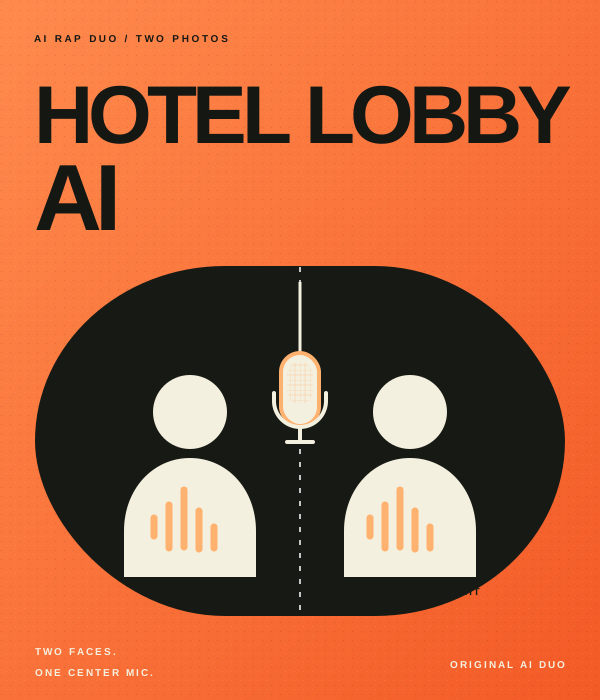
Make your own take on the Hotel Lobby AI rap duo trend. Add two photos to an orange booth scene with one hanging mic, then choose the settings for your video.
Watch example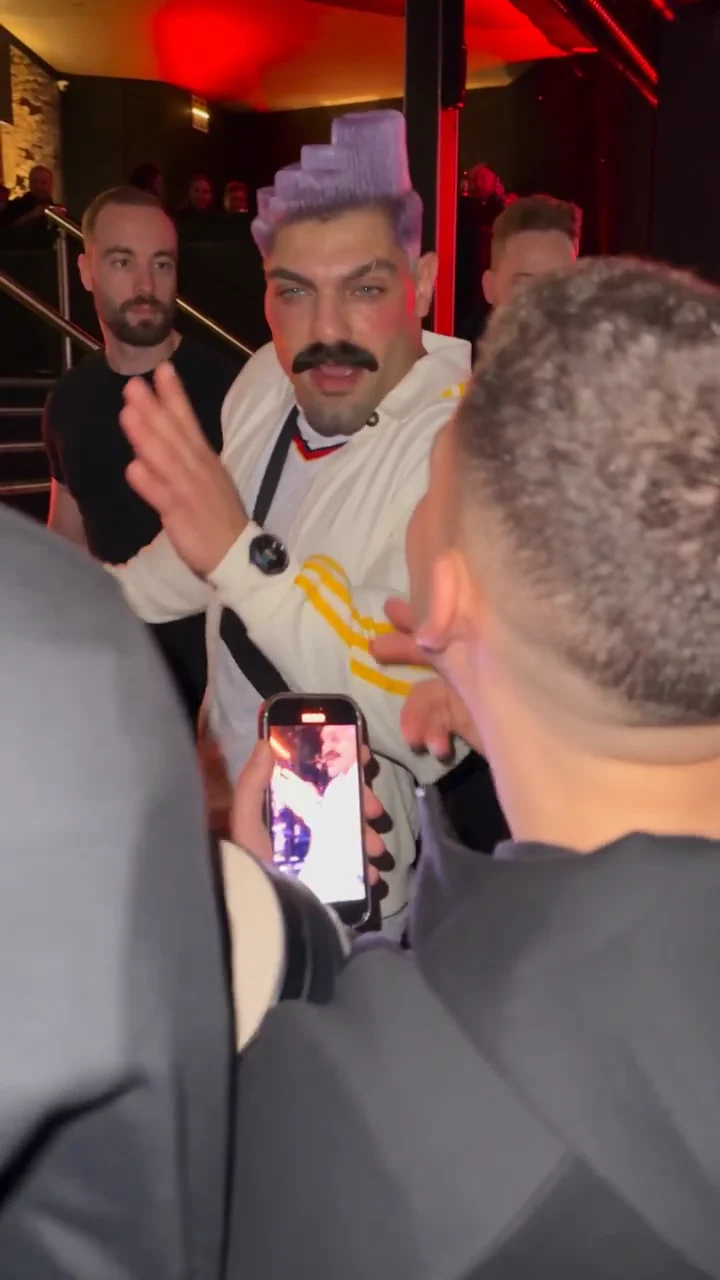 EXAMPLE PREVIEW
Make a Bulin 47 AI freestyle video from one photo. Step into a red-lit street scene inspired by the viral Dame Hombro freestyle, choose your video settings, and create a fresh AI rap take for TikTok, Reels, or Shorts.
Watch example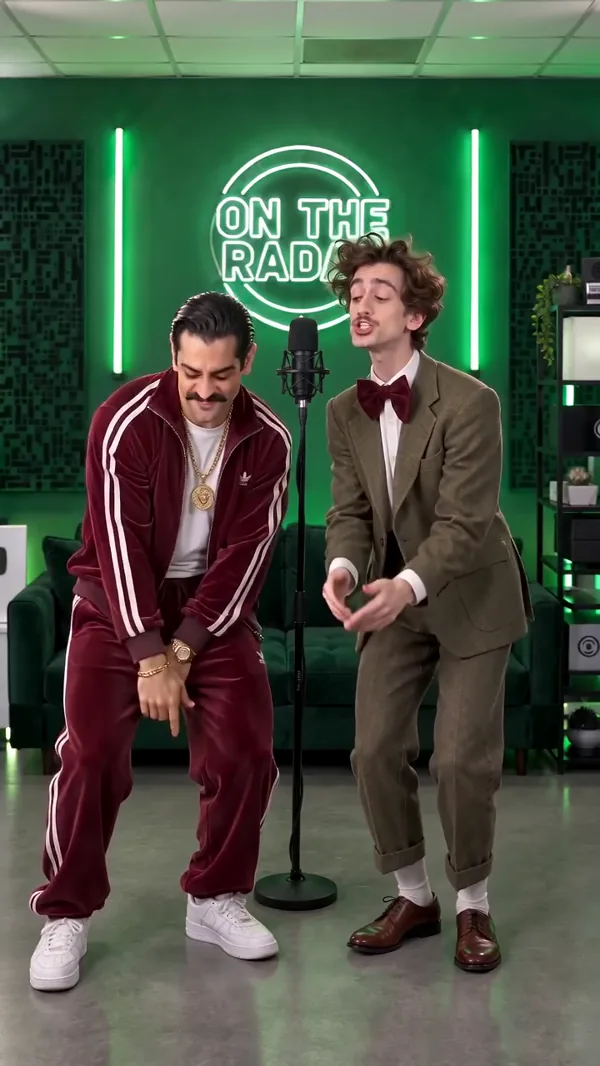 EXAMPLE PREVIEW
Make an On The Radar AI rap duo video from two photos. Meet in a green-lit booth with two mics, trade lines, and create a vertical clip for TikTok, Reels, or Shorts.
Watch example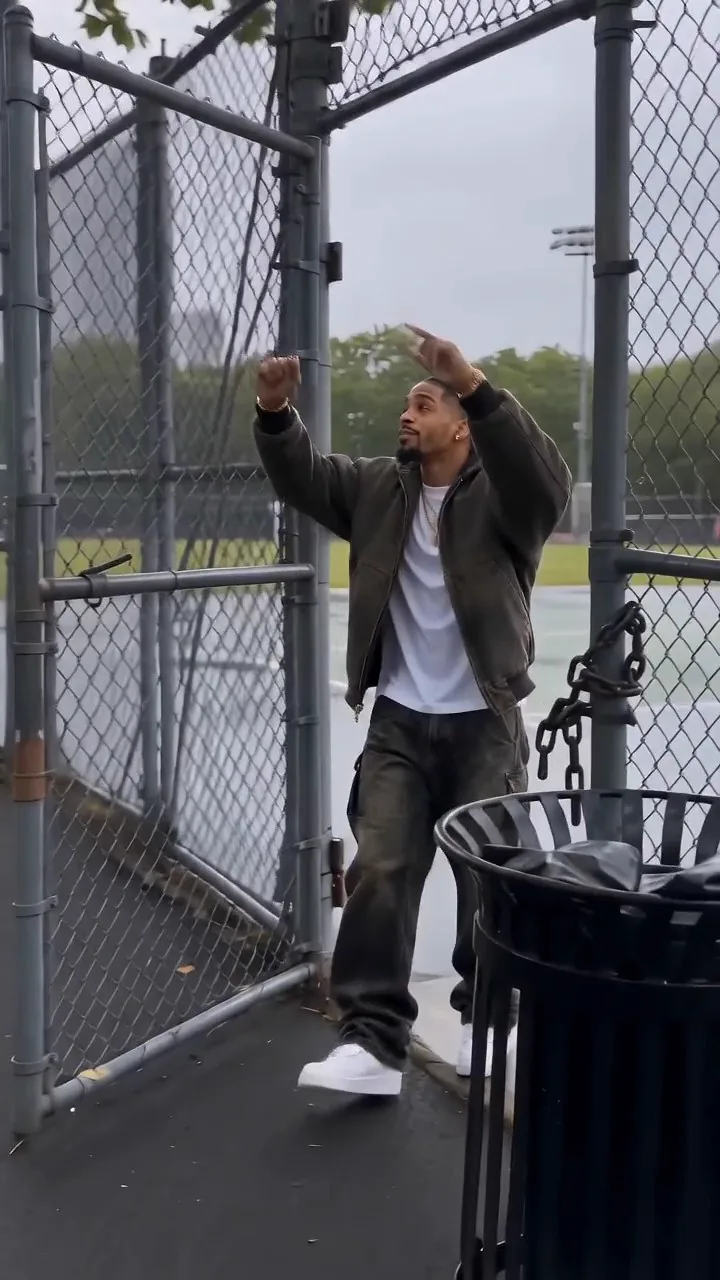 EXAMPLE PREVIEW
Create a Fergie Baby AI video from one photo. Recreate the park-gate swagger walk in a new AI rap clip, then choose your settings for TikTok, Reels, or Shorts.
Watch example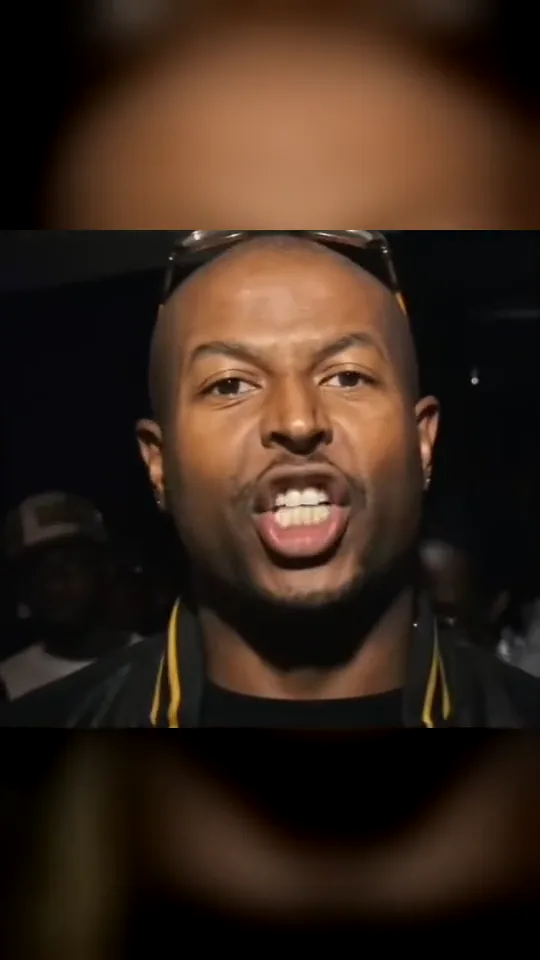 EXAMPLE PREVIEW
Make a Check One Check Two AI rap video from one photo. Take the lead in a close-up night-crowd performance inspired by the UK grime trend.
Watch example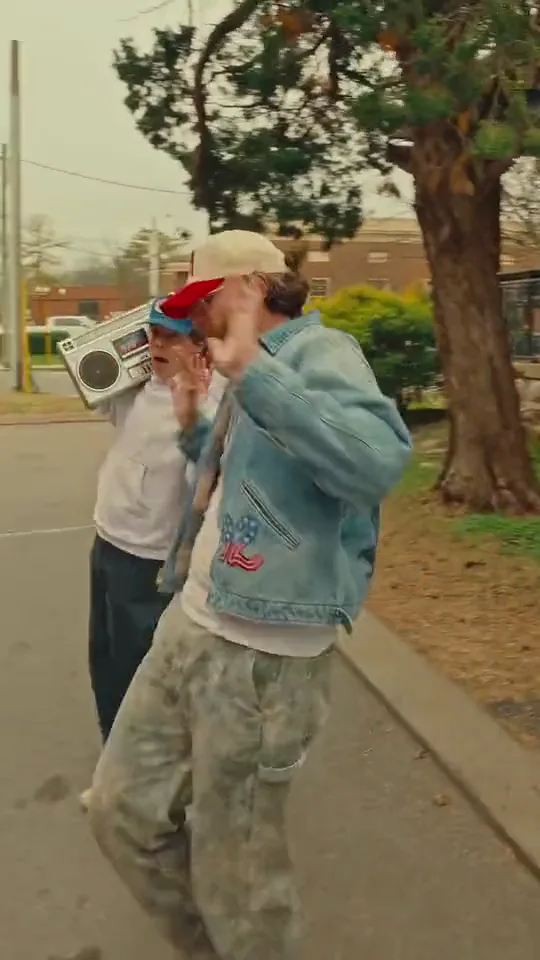 EXAMPLE PREVIEW
Make a Boombox Rap AI video from two photos. One person raps toward the camera while a friend carries a silver boombox down a brick street.
Watch example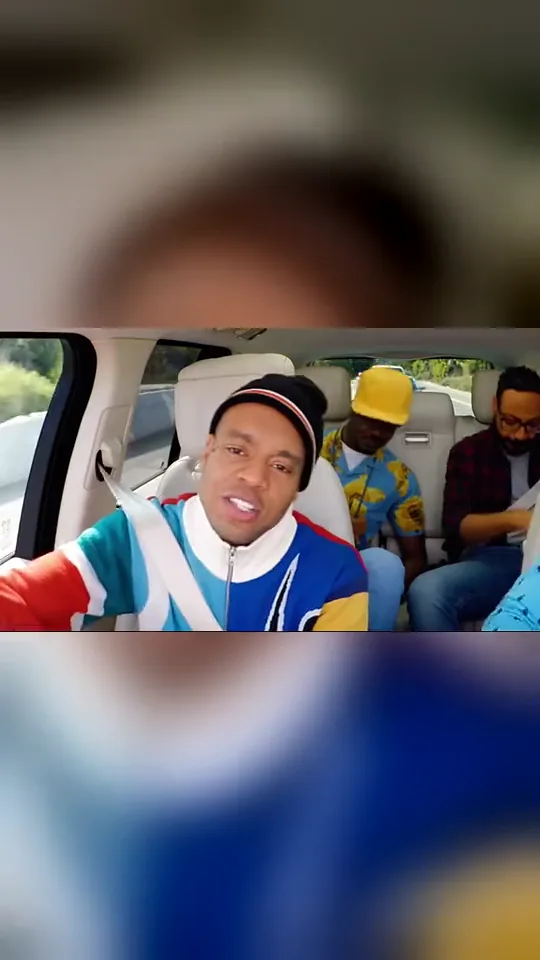 EXAMPLE PREVIEW
Make a Walk It Like I Talk It AI video from three photos. Cast the lead rapper, driver, and a rear-seat passenger in a carpool rap with head bops, reactions, and quick cuts.
Watch example