
A mic-check phrase
The familiar “check one, check two” opening signals a direct-to-camera grime performance.
Check One Check Two AI Trend / SOLO
Make a Check One Check Two AI rap video from one photo. Take the lead in a close-up night-crowd performance inspired by the UK grime trend.
STEP INTO THE STUDIO
Loading the studio…
THE Check One Check Two AI TREND
Start with one clear photo. The default is a 10-second, 720p vertical video. Choose 10 or 15 seconds, 480p or 720p, vertical 9:16 or landscape 16:9, and whether to generate AI audio.
The familiar “check one, check two” opening signals a direct-to-camera grime performance.
A handheld camera moves in from the night crowd and keeps the lead performer close to the lens.
A single portrait guides the main performer in this Check One Check Two AI video template.
TREND ORIGIN / DOCUMENTED MILESTONES
The format draws on an earlier grime freestyle, then resurfaced through later social edits. The dates below distinguish the source clip from the newer AI trend.
The GRM Daily upload features Skepta, JME, Frisco, and Jammer. Its night-crowd freestyle is the visual starting point associated with the Check One Check Two format.
Watch the GRM Daily videoA repost labeled “check one check two” helped the night-crowd verse circulate again on TikTok.
View the TikTok postMakeViral’s trend timeline documents CapCut-style face edits appearing in October 2026. This page turns the close-up night-crowd look into a new take from your own photo.
Read the trend timelineCHECK ONE CHECK TWO / VIDEO EXAMPLE
See the night-crowd framing and close-up delivery behind the Check One Check Two AI format.
PHOTO PREPARATION
Upload one sharp, front-facing photo of yourself or an adult who has agreed to be included. Keep the face, eyes, and mouth visible in good light; avoid sunglasses, masks, heavy filters, and motion blur. A clear head-and-shoulders portrait works well for this close-up performance. Do not use a public figure’s photo or someone else’s image without permission.
TEMPLATE QUESTIONS
Answers about the Check One Check Two AI trend, photo choice, video settings, and generated audio.
It is a short AI rap video format inspired by a close-up night-crowd grime performance. Add one photo to make a new take with your face in the lead role.
Choose Check One Check Two AI, upload one clear photo, select your duration, resolution, aspect ratio, and AI audio setting, then review the credit cost before generating. Preview and download the result when it is ready.
Use a sharp, front-facing portrait with the face well lit and unobstructed. Because the performance is framed close to the camera, clear eyes, mouth, hair, and facial detail help the result follow your photo.
This template creates a new AI video and does not promise to include the source recording or a real artist’s voice. When AI audio is enabled, the generator creates audio; turn it off for a silent result.
Yes. The default is 10 seconds, 720p, vertical 9:16, with generated AI audio on. Choose 10 or 15 seconds, 480p or 720p, 9:16 or 16:9, and turn AI audio on or off.
This Check One Check Two template is the solo close-up version and uses one photo. Choose a duo template when you want two people to perform together.
You can download your finished video and share your own take on TikTok, Instagram Reels, or YouTube Shorts. Use photos you have permission to upload and follow each platform’s rules for AI-generated media and audio.
ONE PHOTO. ONE CLOSE-UP TAKE.
 EXAMPLE PREVIEW
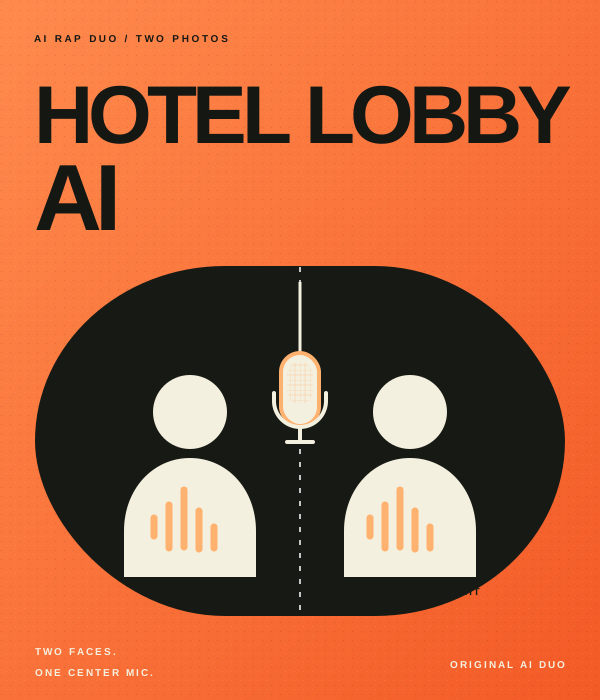
Make your own take on the Hotel Lobby AI rap duo trend. Add two photos to an orange booth scene with one hanging mic, then choose the settings for your video.
Watch example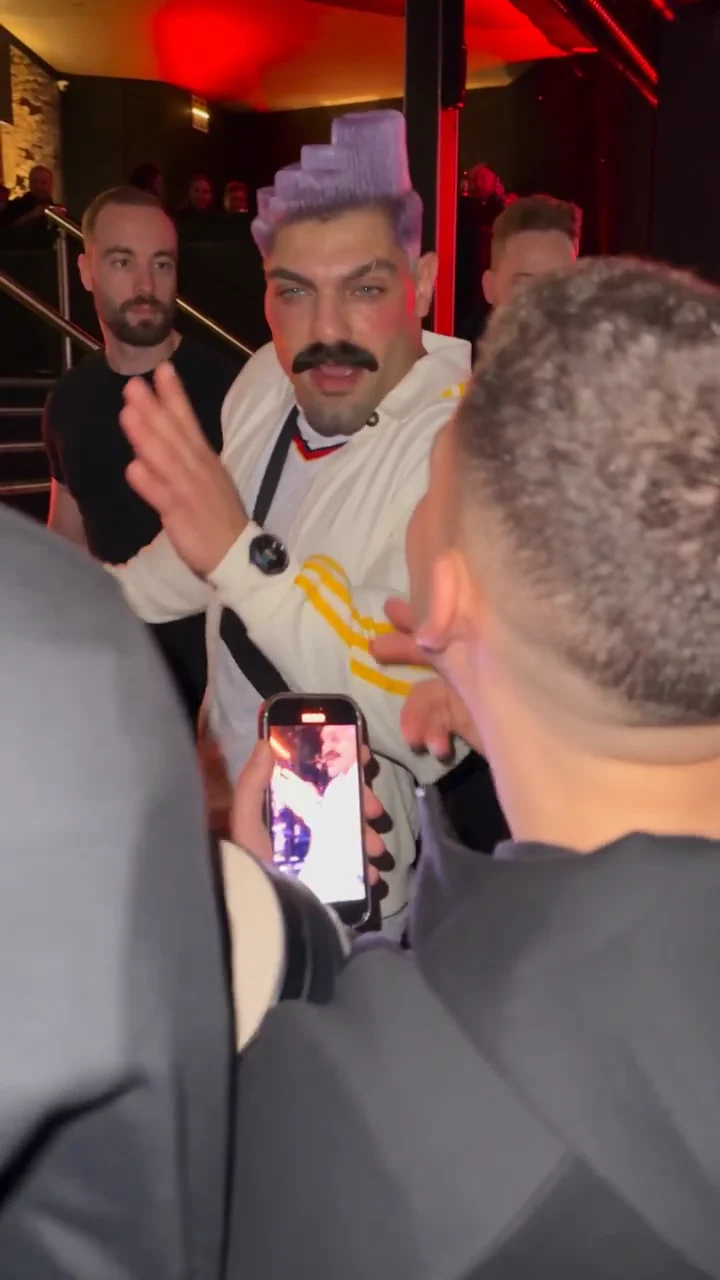 EXAMPLE PREVIEW
Make a Bulin 47 AI freestyle video from one photo. Step into a red-lit street scene inspired by the viral Dame Hombro freestyle, choose your video settings, and create a fresh AI rap take for TikTok, Reels, or Shorts.
Watch example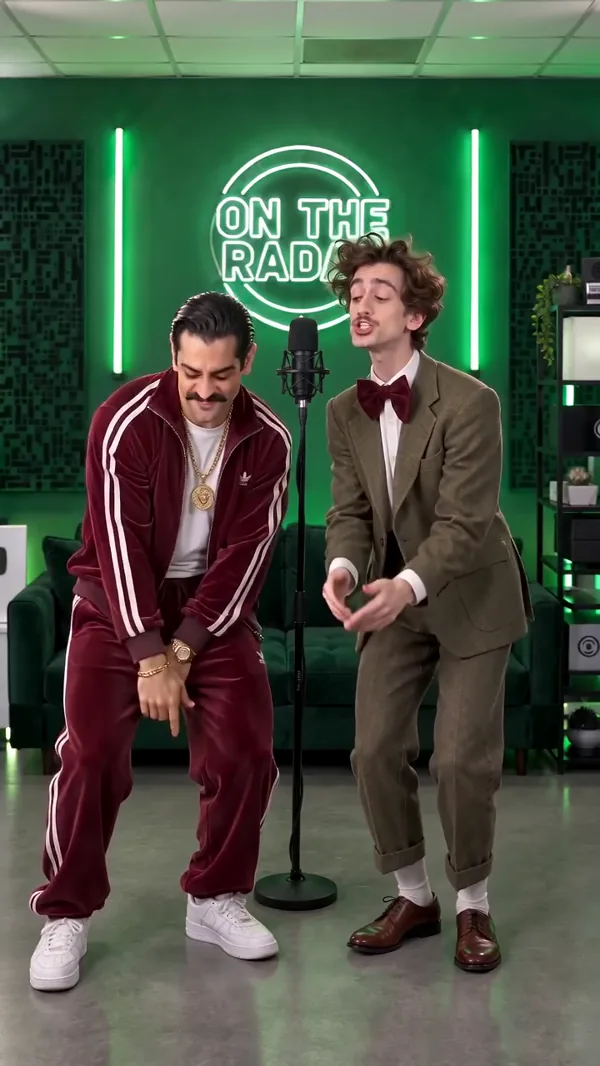 EXAMPLE PREVIEW
Make an On The Radar AI rap duo video from two photos. Meet in a green-lit booth with two mics, trade lines, and create a vertical clip for TikTok, Reels, or Shorts.
Watch example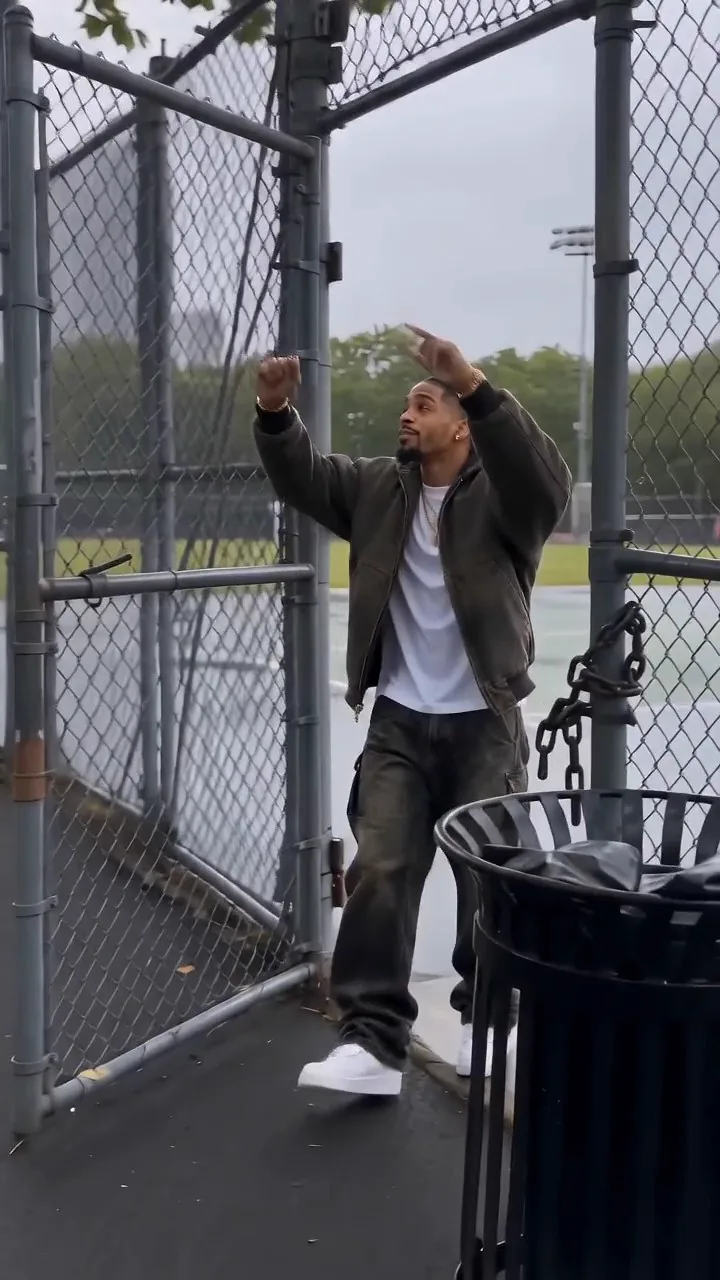 EXAMPLE PREVIEW
Create a Fergie Baby AI video from one photo. Recreate the park-gate swagger walk in a new AI rap clip, then choose your settings for TikTok, Reels, or Shorts.
Watch example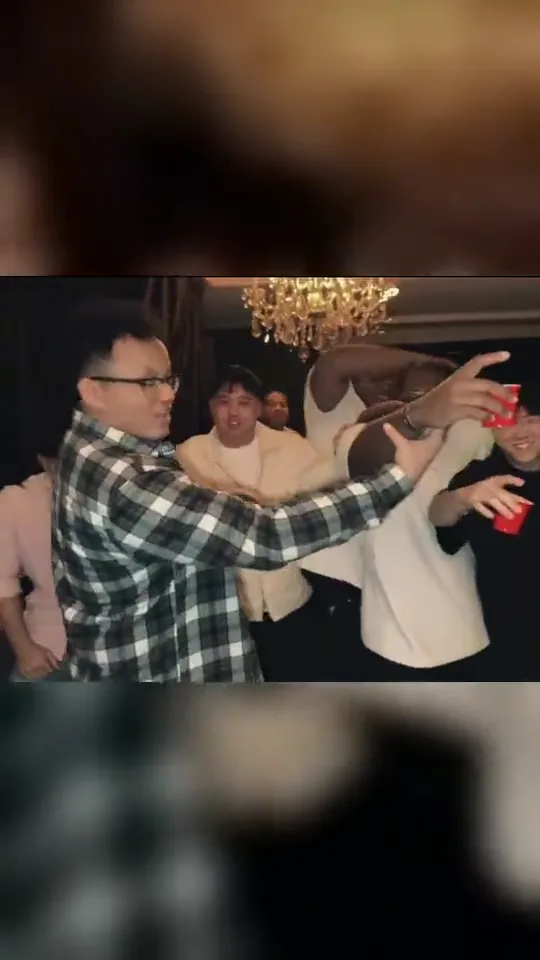 EXAMPLE PREVIEW
Make a Burning Bridges AI rap video from one photo. Step into the chandelier-lit party with a silver cup, a crowd behind you, and the “Where she at?” gesture.
Watch example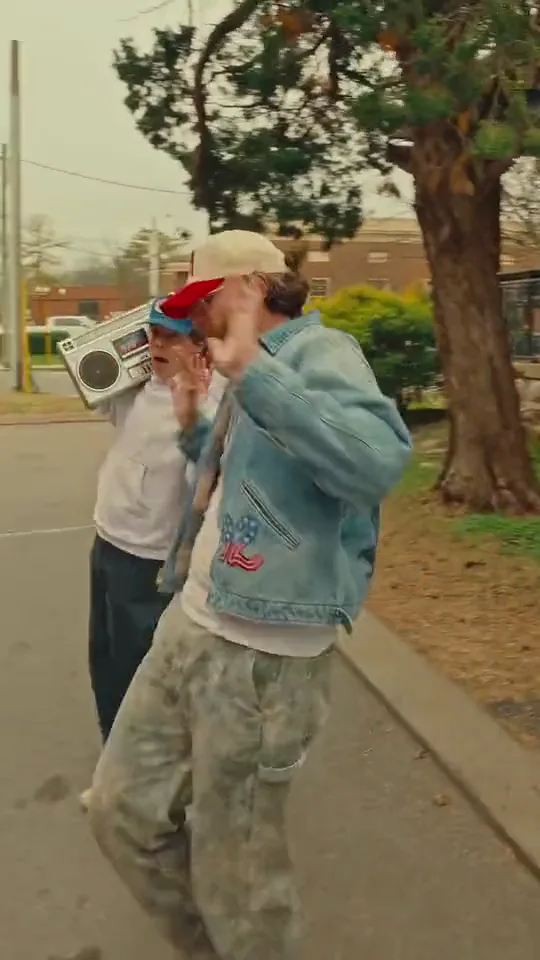 EXAMPLE PREVIEW
Make a Boombox Rap AI video from two photos. One person raps toward the camera while a friend carries a silver boombox down a brick street.
Watch example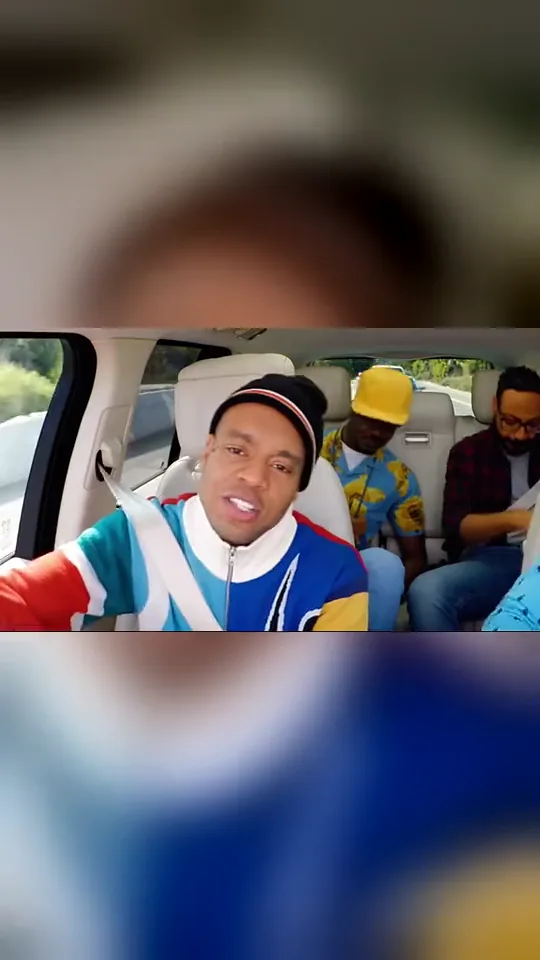 EXAMPLE PREVIEW
Make a Walk It Like I Talk It AI video from three photos. Cast the lead rapper, driver, and a rear-seat passenger in a carpool rap with head bops, reactions, and quick cuts.
Watch example