
A phone-shot night scene
A parking-garage roof, low concrete wall, distant city lights, and a handheld camera give the cover its candid late-night setting.
Choosin Texas Emo AI Trend / SOLO
Make a Choosin Texas Emo AI video from one photo. Step into the night-rooftop emo cover format with expressive movement and optional original AI audio.

STEP INTO THE STUDIO
Loading the studio…
THE Choosin Texas Emo AI TREND
Start with one photo. The default is a 15-second, 720p vertical video. Choose 10 or 15 seconds, 480p or 720p, 9:16 or 16:9, and whether to generate AI audio. The rooftop clip guides the visuals; its original audio is not used in your result.
A parking-garage roof, low concrete wall, distant city lights, and a handheld camera give the cover its candid late-night setting.
The performance moves through rhythmic bouncing, expressive hands, a dramatic lean, and a low finish near the camera.
Your photo guides the featured performer. The generator follows the hair, clothes, and identity in that image; pets keep their species and natural anatomy.
TREND ORIGIN / DOCUMENTED MILESTONES
The song and the rooftop emo cover are separate parts of the trend. Ella Langley’s country song is “Choosin’ Texas”. The dated posts below show an earlier emo-style cover, the rooftop performance by @kobbapot, and a next-day response. They document examples rather than establish a single first remix.
A dated post by @piratemike311 gives “Choosin’ Texas” a heavier emo-rock treatment before the later rooftop version.
View the earlier TikTok cover@kobbapot posts a one-take emo cover from a parking-garage roof, with city lights, a low wall, expressive hand gestures, and a dramatic performance straight to the phone camera.
Watch @kobbapot’s rooftop reelA next-day duet shows other creators responding to the rooftop performance as people begin making their own versions.
See a dated duet response@kobbapot shares a roundup of remixes and puts the rooftop emo version first, extending the format beyond the original one-take clip.
View the remix roundupROOFTOP COVER / AI PET TAKE
Watch the original rooftop emo cover beside a pet-led emo-rock example, then add your own photo to make a new take.
PHOTO PREPARATION
Upload one clear photo of yourself, an adult who has agreed to be included, or your pet. A waist-up or full-body image works well because the reference shows broad gestures and a low finish. Keep the face, hair, and outfit visible; use the clothes you want in your result, since the prompt does not add the original performer’s hat or outfit. For pets, choose a photo that clearly shows the animal’s face, fur, and markings. Only upload photos you have permission to animate.
Upload one clear photo to guide the person or pet in the rooftop performance.
TEMPLATE QUESTIONS
Answers about the Choosin Texas Emo AI trend, photo choice, audio, video settings, pets, and sharing.
It is a photo-led AI take on the rooftop emo-cover format associated with @kobbapot’s performance of Ella Langley’s “Choosin’ Texas.” The template uses one photo to guide the featured person or pet in a new AI rooftop performance.
Choose Choosin Texas Emo AI, upload one clear photo, select the duration, resolution, aspect ratio, and AI audio setting, then review the displayed credit cost before generating. Preview and download your result when it is ready.
Use one sharp, well-lit photo with the face and outfit visible. A waist-up or full-body photo gives the generator more detail for the expressive movement. Avoid group photos, heavy filters, and anything covering the face.
Yes. Upload a clear photo of your pet. The prompt asks the generator to preserve its species, face, fur, markings, and natural anatomy while adapting the performance to its physical ability.
No. The reference guides the visuals, not its recording. When AI audio is on, the generator creates a new emo-rock soundtrack; it does not include or recreate the original song, lyrics, melody, or a real artist’s or creator’s voice.
No. The generated performer follows the hair and clothes in your photo. A hat or a particular outfit appears only if it is already in the image you upload.
Yes. The default is 15 seconds, 720p, and vertical 9:16. You can choose 10 or 15 seconds, 480p or 720p, 9:16 or 16:9, and turn generated AI audio on or off.
No. This is an independent AI template inspired by a social-video format. It is not affiliated with or endorsed by Ella Langley, @kobbapot, their representatives, or the song’s rights holders.
No video generator can guarantee views or virality. You can download your take and share it on TikTok, Instagram Reels, YouTube Shorts, or another platform.
ONE PHOTO. ONE ROOFTOP TAKE.
 EXAMPLE PREVIEW
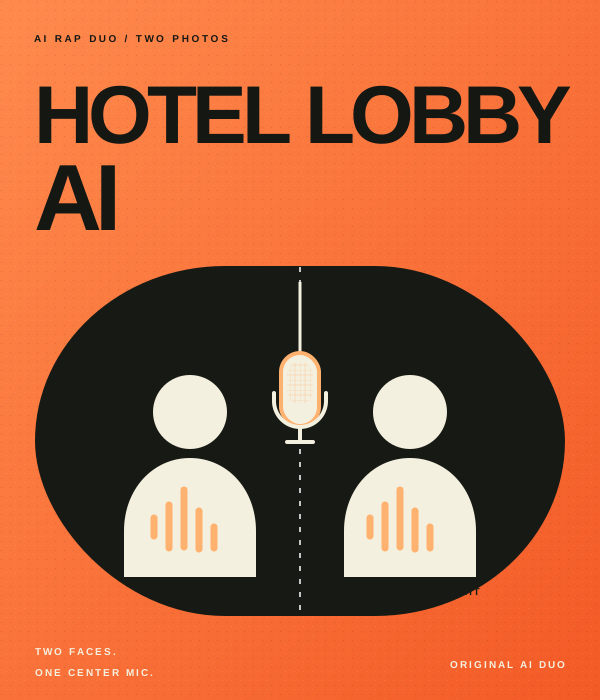
Make your own take on the Hotel Lobby AI rap duo trend. Add two photos to an orange booth scene with one hanging mic, then choose the settings for your video.
Watch example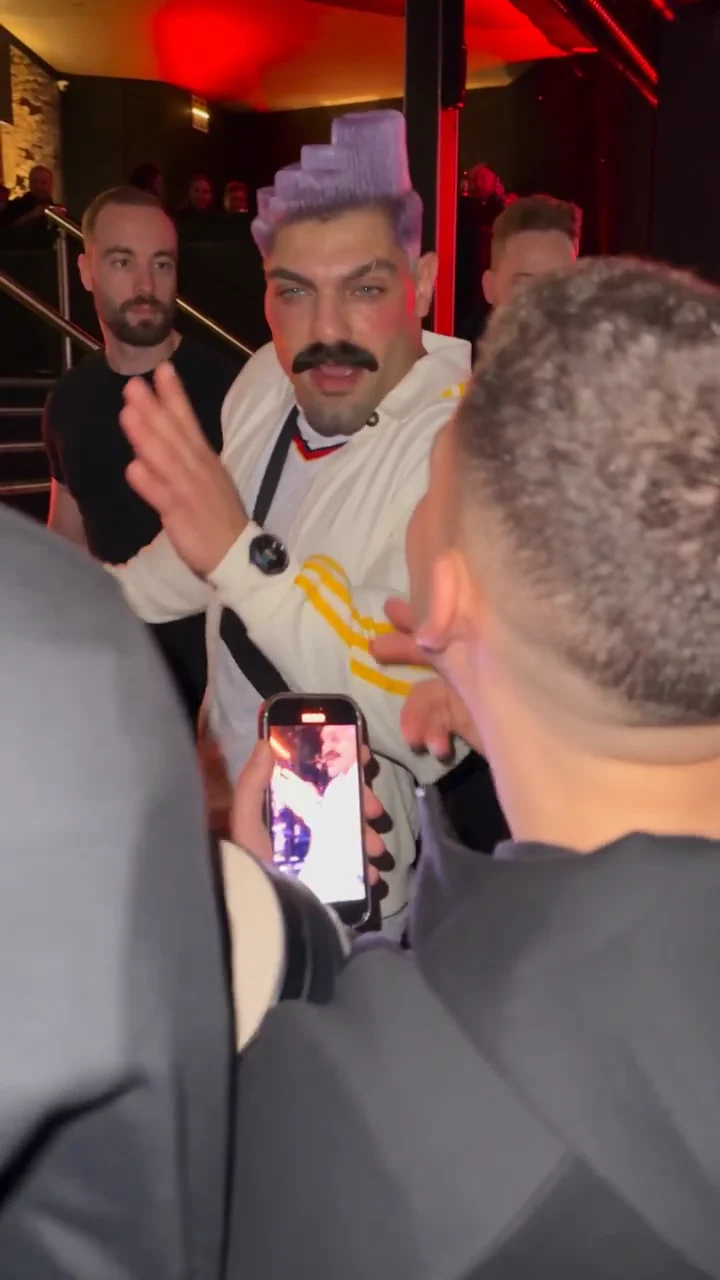 EXAMPLE PREVIEW
Make a Bulin 47 AI freestyle video from one photo. Step into a red-lit street scene inspired by the viral Dame Hombro freestyle, choose your video settings, and create a fresh AI rap take for TikTok, Reels, or Shorts.
Watch example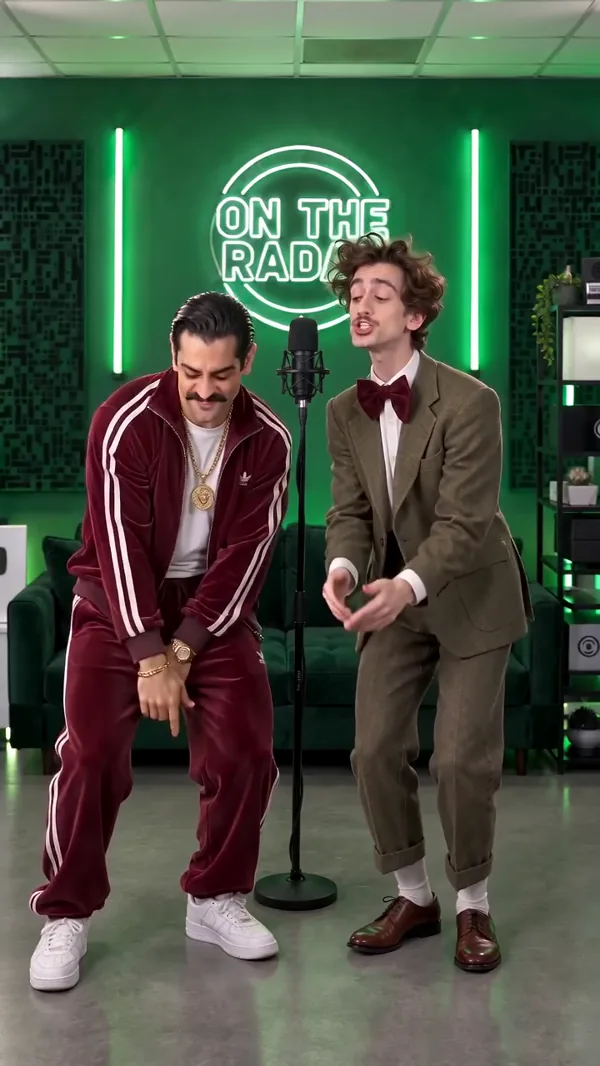 EXAMPLE PREVIEW
Make an On The Radar AI rap duo video from two photos. Meet in a green-lit booth with two mics, trade lines, and create a vertical clip for TikTok, Reels, or Shorts.
Watch example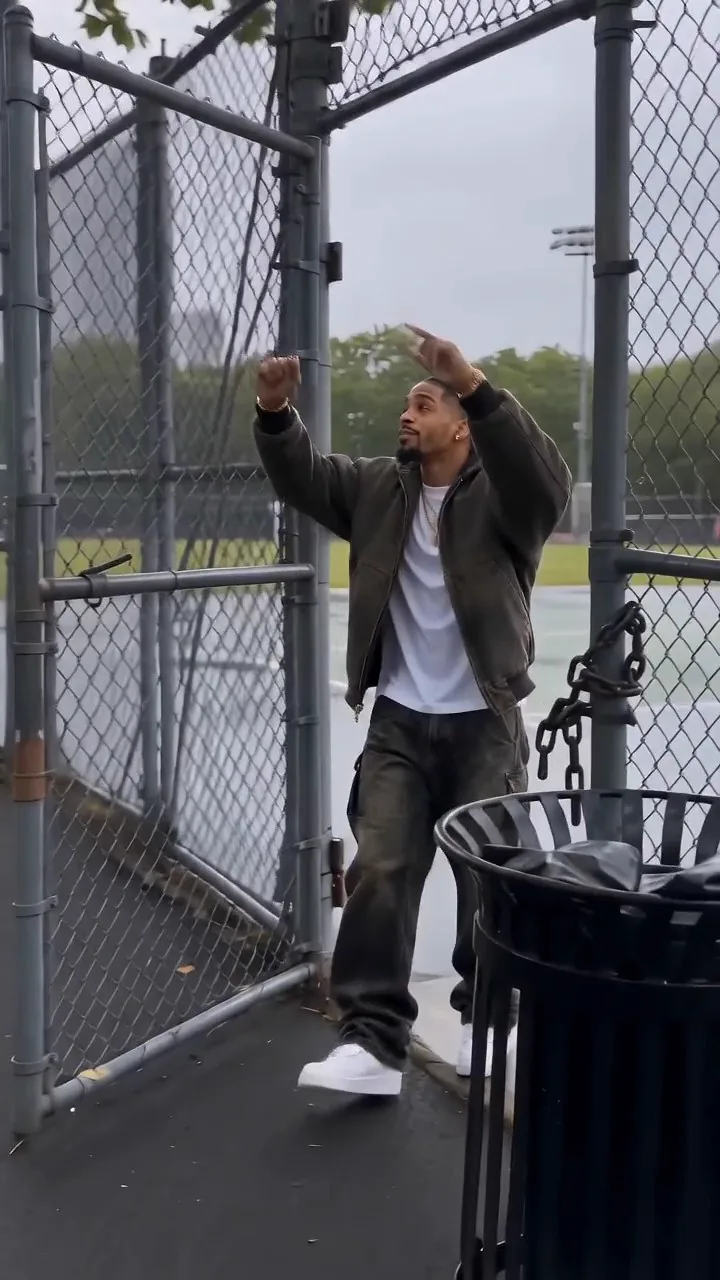 EXAMPLE PREVIEW
Create a Fergie Baby AI video from one photo. Recreate the park-gate swagger walk in a new AI rap clip, then choose your settings for TikTok, Reels, or Shorts.
Watch example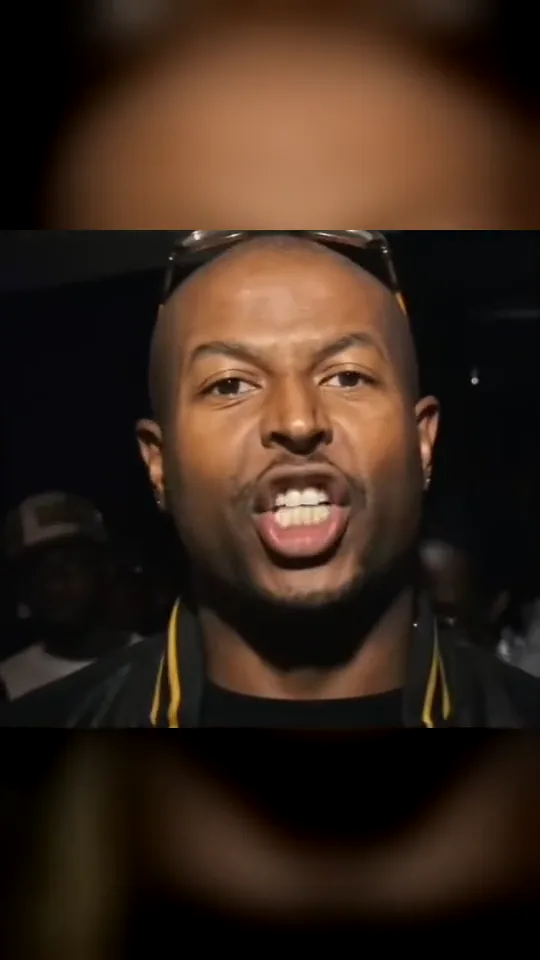 EXAMPLE PREVIEW
Make a Check One Check Two AI rap video from one photo. Take the lead in a close-up night-crowd performance inspired by the UK grime trend.
Watch example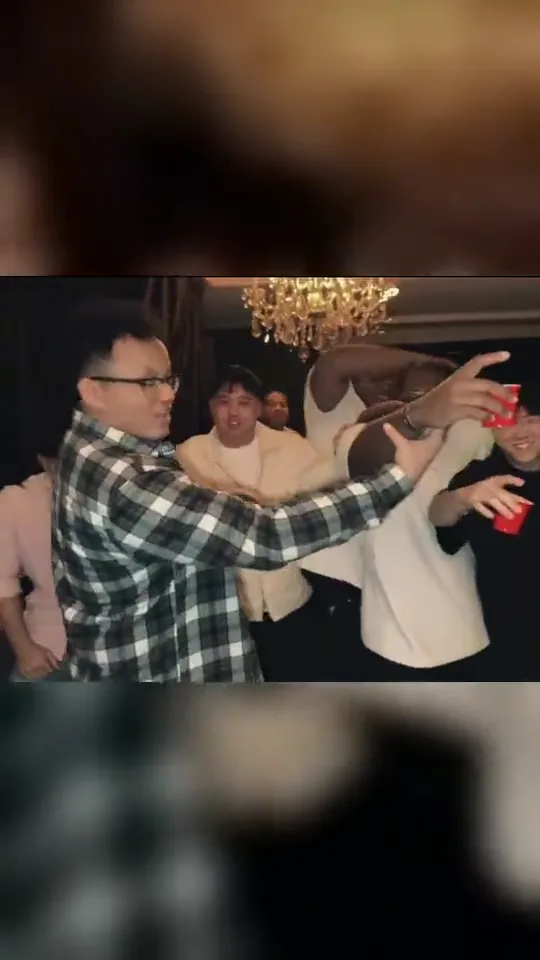 EXAMPLE PREVIEW
Make a Burning Bridges AI rap video from one photo. Step into the chandelier-lit party with a silver cup, a crowd behind you, and the “Where she at?” gesture.
Watch example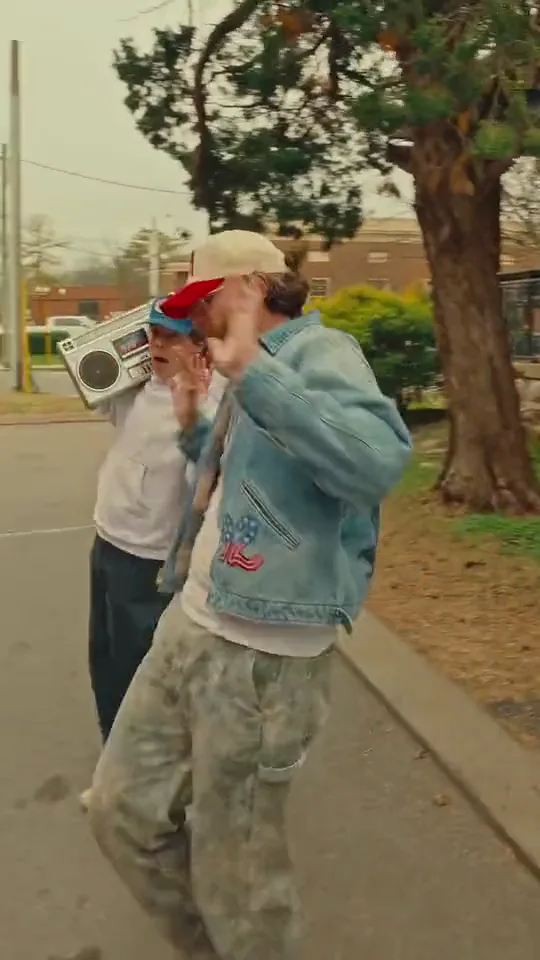 EXAMPLE PREVIEW
Make a Boombox Rap AI video from two photos. One person raps toward the camera while a friend carries a silver boombox down a brick street.
Watch example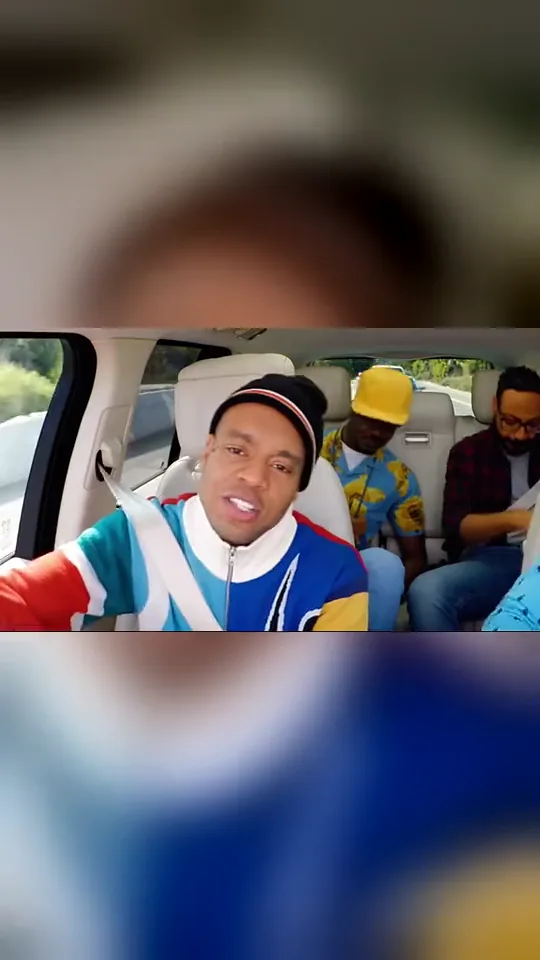 EXAMPLE PREVIEW
Make a Walk It Like I Talk It AI video from three photos. Cast the lead rapper, driver, and a rear-seat passenger in a carpool rap with head bops, reactions, and quick cuts.
Watch example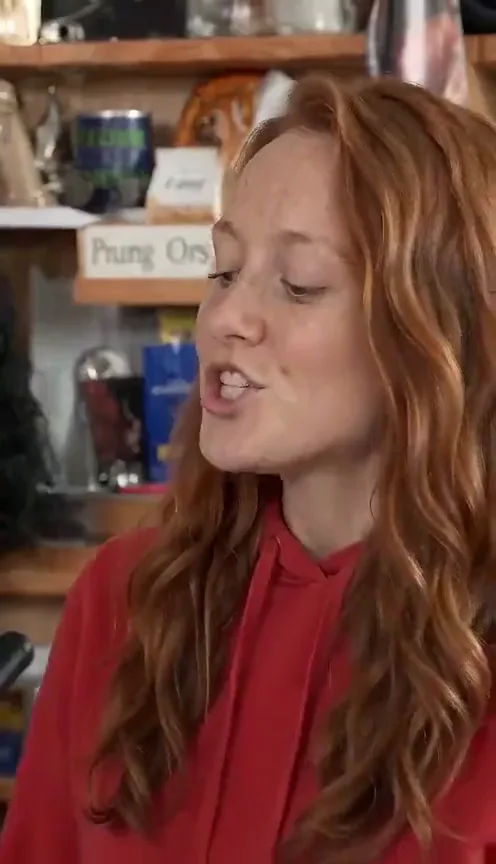 EXAMPLE PREVIEW
Make a Tiny Desk AI concert video from one photo. Take the lead in a cozy office session with a full AI band, then share your clip on TikTok, Reels, or Shorts.
Watch example